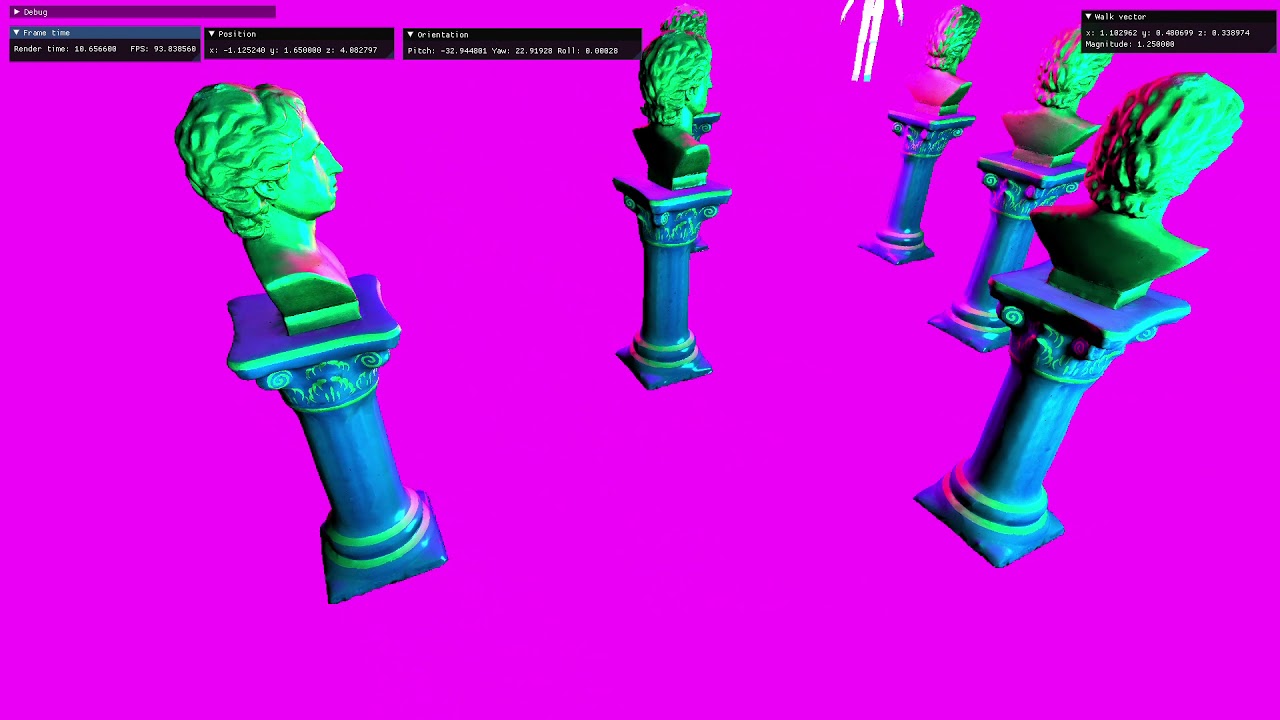
Basic game engine project I'm working on, made in C++ and using OpenGL for graphics. I am using it both for learning OpenGL and graphics, and to get a sense of how to build a game engine. We'll see how that goes!
Building the program is tested on Windows 10 using Visual Studio 2022.
Make sure you have vcpkg set up and integrated to your Visual Studio installation
I use vcpkg to obtain dependency libraries for the project. You gotta have it installed and integrated to your Visual Studio installation.
Please refer to the official vcpkg setup instructions if needed, but the gist of it is given below. Note that my project uses vcpkg in
manifest mode with a vcpkg.json file, so there's no need to run vcpkg install instructions explicitly. So do the following:
-
Clone the
vcpkgrepository somewhere with:git clone
https://github.com/Microsoft/vcpkg.git -
Navigate to where you cloned
vcpkg, and set it up with the provided batch filecd C:\folder\where\you\cloned\vcpkg
.\vcpkg\bootstrap-vcpkg.bat
-
Then, integrate
vcpkgwith your Visual Studio installationvcpkg integrate install
- Clone the project with:
git clone
https://github.com/lalilulelost/gl-engine - Double-click the
gl-engine.slnfile to open it with Visual Studio - Finally, press
Ctrl+Shift+Bto build it; Visual Studio will rely onvcpkgto check thevcpkg.jsonmanifest file, and will download and build the dependency libraries before finally building the repository code itself.