

From multi-agent chaos to predictable agents and skills, the missing map for your generative-AI harness.






An AI harness (Claude Code, Codex, Antigravity, Copilot, and others) grows by accumulation: dozens of skills, agents, commands, and loose Markdown nobody fully sees. skill-map scans the project and puts everything on one live graph: what exists, what each file costs in tokens, who invokes whom, which triggers collide, what is obsolete, and what can be deleted without breaking anything.
The scanner is deterministic (pure code, offline, CI-safe). An optional LLM layer adds semantic judgment (duplicates, bloat, contradictions) through YOUR agent; skill-map never ships or requires a key.
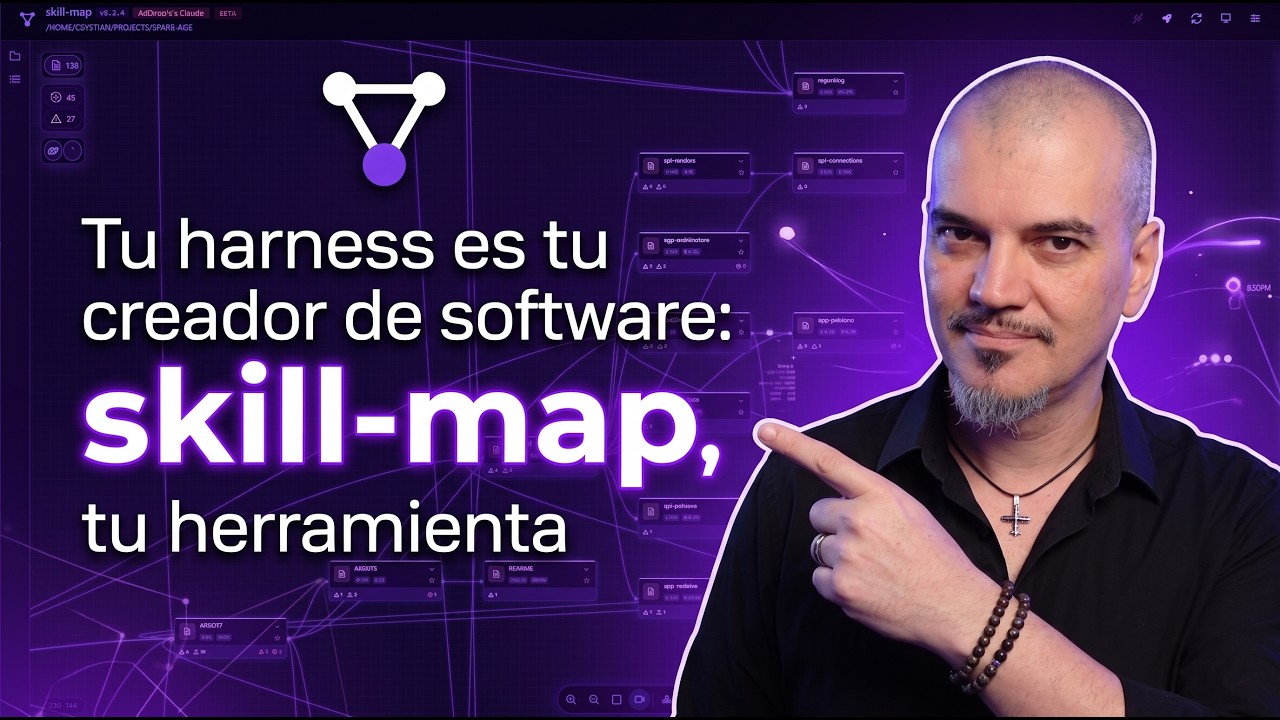
Watch it in 6 minutes: the problem, the harness, and what skill-map does about it (Spanish and English).
npm i -g @skill-map/cli
cd your/project
sm
Bare sm offers to initialize a project that is not set up yet, then opens the Web UI at http://127.0.0.1:4242 with the watcher running: edit any .md and the graph updates live. Everything the UI does is also a CLI verb (sm help). No install? Try the live demo.
Something not behaving? The per-OS and per-runtime fine print lives in
TROUBLESHOOTING.md.
With your agent (Claude Code, Codex, Antigravity, OpenCode), the fastest evaluation is the bundled interactive tutorial: a ~10 minute live-UI prologue, then a menu of deeper parts (real time, the AI layer, plugins, the CLI). Runs in an empty folder:
mkdir try-skill-map && cd try-skill-map
sm tutorial
claude        # or your runtime's CLI; then, at the prompt: run the tutorial
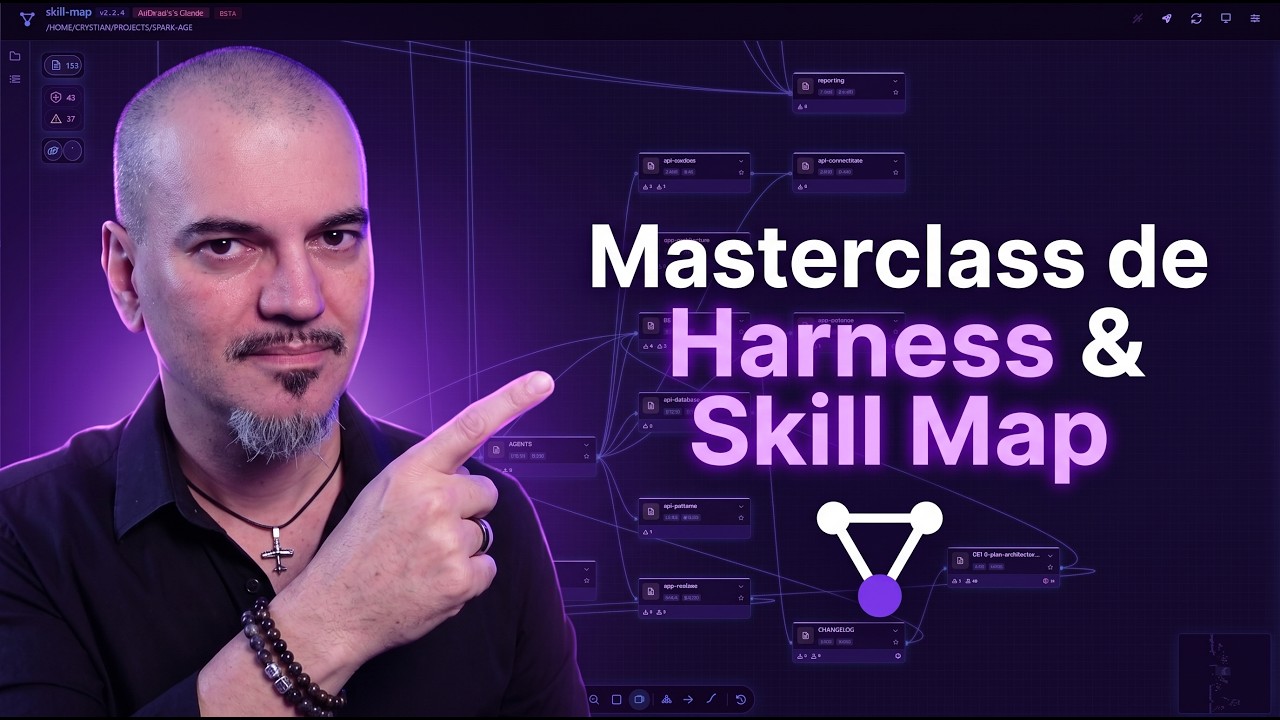
Install, guided tutorial, every setting, lenses, plugins, inspector and AI actions, end to end (Spanish and English). Prefer the tutorial if you want hands-on, the masterclass if you want the full tour first.
- A deterministic scanner walks the files, parses frontmatter, resolves references, and emits the graph (nodes, links, issues).
- An optional probabilistic layer queues LLM jobs (summaries, finders, fixers, tagging) that your own agent executes.
- The
smCLI is the primary surface; the bundled Web UI (baresm) renders the graph live. - A plugin system (Providers, Extractors, Analyzers, Actions, Formatters, Hooks) extends everything without touching the kernel.
Every analytical extension declares itself deterministic (runs inside sm scan, CI-safe) or probabilistic (queued job, never during scan): same plugin model, two cost profiles.
- Design made visible: a harness is designed, not accumulated; skill-map makes your design verifiable as it grows.
- CLI-first: everything the UI does is reachable from the command line.
- Deterministic by default: the LLM is optional; the product works offline.
- A public standard: the spec in
spec/is enough to build an alternative implementation. - Platform-agnostic: adapters ship for Claude Code, Codex, Antigravity, and OpenCode; the architecture takes any Markdown ecosystem.
Tip
Everything the next sections do with commands can also be done from the UI: the rocket button opens Quick Start, which enables, installs, and verifies each capability with one click per row.
With the server open, the map lights each node the moment your runtime touches it (the skill it loaded, the agent it delegated to, the file it read), and delegations draw live spawn arrows between agents. Wire it once per provider:
sm activity install claude # or: codex, antigravity, opencodeHooks are project-local, everything stays on loopback, and sm activity uninstall reverses exactly what install added. What each runtime can and cannot show: TROUBLESHOOTING.md.
sm can expose the project as an MCP server at /mcp (off by default): the map as read-only typed tools and live resources, plus queue and findings operations under the same contract as the CLI, so an MCP host can BE the processing agent.
sm --mcpskill-map never runs an LLM itself: probabilistic work parks in a queue and YOUR agent claims, executes, and records it through the sm-process-jobs skill (sm agent install). Every supported agent speaks the same protocol.
Any SKILL.md-based agent skill (e.g. from skills.sh) can run against individual nodes: install it into the project-private catalog (cd .skill-map && npx skills add <repo> --skill <name>) and it appears as a Skills group in the inspector's AI actions panel. The skill's instructions are inlined into a queued job your own agent processes, and the report lands in the node's execution history. Contract: spec/skill-actions.md.
Human curation (version, stability, tags, audit trail) lives in a sibling YAML file (demo-agent.md → demo-agent.sm), never inside the .md: the agent and you own the .md, skill-map owns the .sm. They appear only when you opt in (sm bump, sm sidecars annotate; scans never write them), and they are source: commit them. Full design: spec/architecture.md §Annotation system.
The spec is the source of truth, separated from the implementation since day zero: JSON Schemas (draft 2020-12), prose contracts, and a conformance suite, published as @skill-map/spec and served at skill-map.ai. Anyone can build an alternative implementation consuming only spec/. Inventory: spec/README.md.
What works where, at a glance (✓ full, ~ partial, ✗ not available):
| Claude Code | Codex | Antigravity | OpenCode | |
|---|---|---|---|---|
| Live node activity | ✓ | ~ (file reads stay dark) | ~ (reads only) | ✓ |
| Spawn arrows between agents | ✓ | ✓ | ✗ | ✓ (one hop) |
| MCP (map + queue) | ✓ | ✓ | ✓ | ✓ |
| Resident processing agent, zero idle cost | ✓ | ✓ (MCP park) | ~ (pass by pass) | ✓ (MCP park) |
The complete list, with the why behind every gap: TROUBLESHOOTING.md.
- Website: skill-map.ai
- What skill-map is, in 6 minutes: YouTube
- Full masterclass (40 min): YouTube
- Full design and roadmap: ROADMAP.md
- Contribution guide: CONTRIBUTING.md
- Troubleshooting (per-OS and per-runtime fine print): TROUBLESHOOTING.md
- Spec overview: spec/README.md
- Architecture (ports & adapters): spec/architecture.md
- CLI contract: spec/cli-contract.md
- MCP server contract: spec/mcp-server.md
- CLI reference: run
sm help(add--format mdfor markdown) - Reference implementation: src/README.md
- Spanish version of this README: README.es.md
- License: MIT
The graph view that gives skill-map its identity is built on Foblex Flow, an excellent Angular flow library that handles nodes, connectors, pan, and zoom. Huge thanks to the Foblex team.
Also standing on the shoulders of Angular, PrimeNG, Hono, and Kysely.
What building this tool actually took (measured at 1.0.0)
Lines of text
| Kind | Lines | Files | Share |
|---|---|---|---|
| Code | 221,963 | 1,144 | 54% |
| Tests | 147,200 | 843 | 36% |
| Documentation | 39,595 | 292 | 10% |
| Total | 408,758 | 2,307 |
Tests-to-code ratio: 0.66.
Tests
| Unit and integration | 5,723 |
| Conformance cases | 49 |
| Total | 5,772 |
Product surface
| CLI verbs | 79 |
| Flags | 499 |
| BFF endpoints | 63 |
| JSON schemas | 38 |
Built-in extensions
| Kind | Count |
|---|---|
| Analyzers | 26 |
| Actions | 18 |
| Extractors | 13 |
| Providers | 6 |
| Formatters | 4 |
| Hooks | 1 |
| Total | 68 across 7 plugins |
Effort
| Commits | 1,763 |
| Work sessions | 247 |
| Estimated hours | ~480 |
| Full-time equivalent | 12 to 14 weeks |
| Calendar days | 104 |
| Days with activity | 100 |
Hours are the one estimate here: commits clustered into sessions with a 90 minute cutoff, which cannot see the reading, designing and debugging that never reached a commit.
Rhythm
| Commits per active day | 15.9 |
| Busiest day | 71 commits |
| Commits between 22:00 and 06:00 | 38% |
| Commits on weekends | 33% |
| Peak hour | 01:00 |
| Busiest weekday | Saturday |